You can add this shortcodes using our easy to use Content Builder:
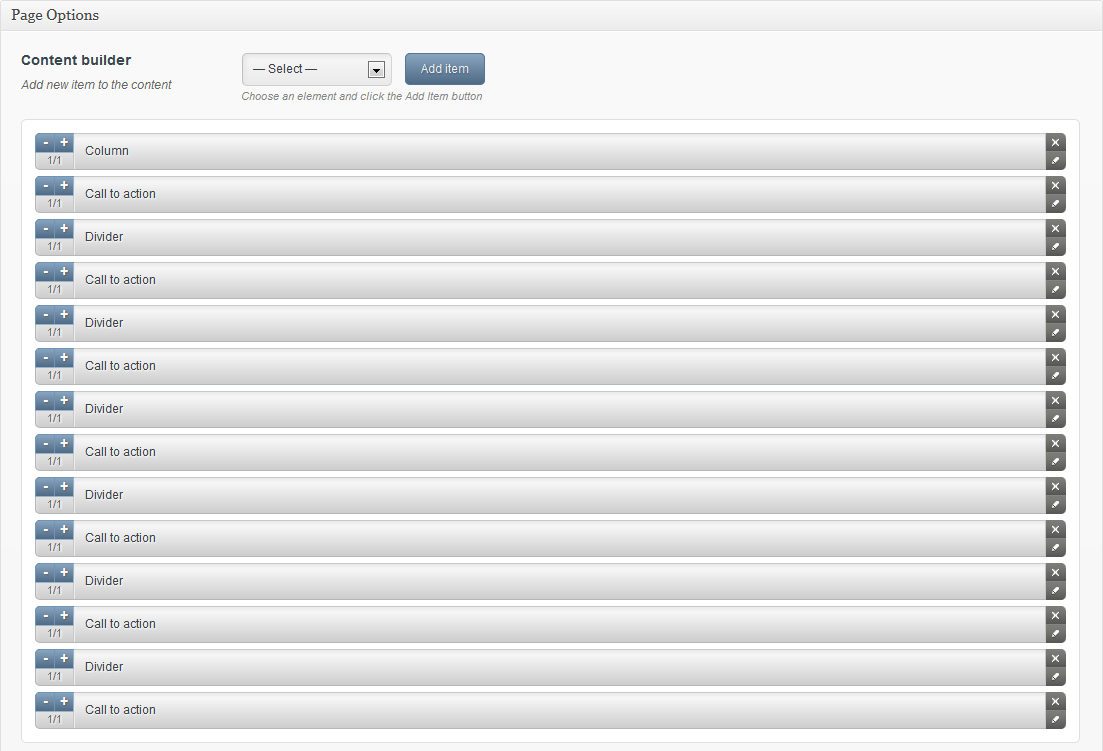
or you can add it using below shortcode:
[call_to_action text="Want to buy this theme?" btn_title="Get for only $45" btn_link="http://themeforest.net/user/muffingroup/portfolio?ref=muffingroup" class=""] [call_to_action text="Do you have any questions?" btn_title="<i class="icon-hand-right"></i> Get in touch with us" btn_link="http://themes.muffingroup.com/bretheon/pages/contact" class=""] [call_to_action text="Awesome call to action with video" btn_title="<i class="icon-film"></i> Watch video now" btn_link="http://player.vimeo.com/video/1084537?badge=0" class="iframe"] [call_to_action text="Call us on <i class="icon-hand-right"></i> +61 (0) 3 8376 6284 or" btn_title="<i class="icon-envelope-alt"></i> noreply@envato.com" btn_link="mailto:noreply@envato.com" class="iframe"]
- text - text for call to action item
- btn_title (optional) - title for button
- btn_link (optional) - link for button
- class (optional) - this option is useful when you want to use Fancybox (fancybox) or Video Iframe (iframe).
Read more... Call to action & iframes

Tidak ada komentar:
Posting Komentar